
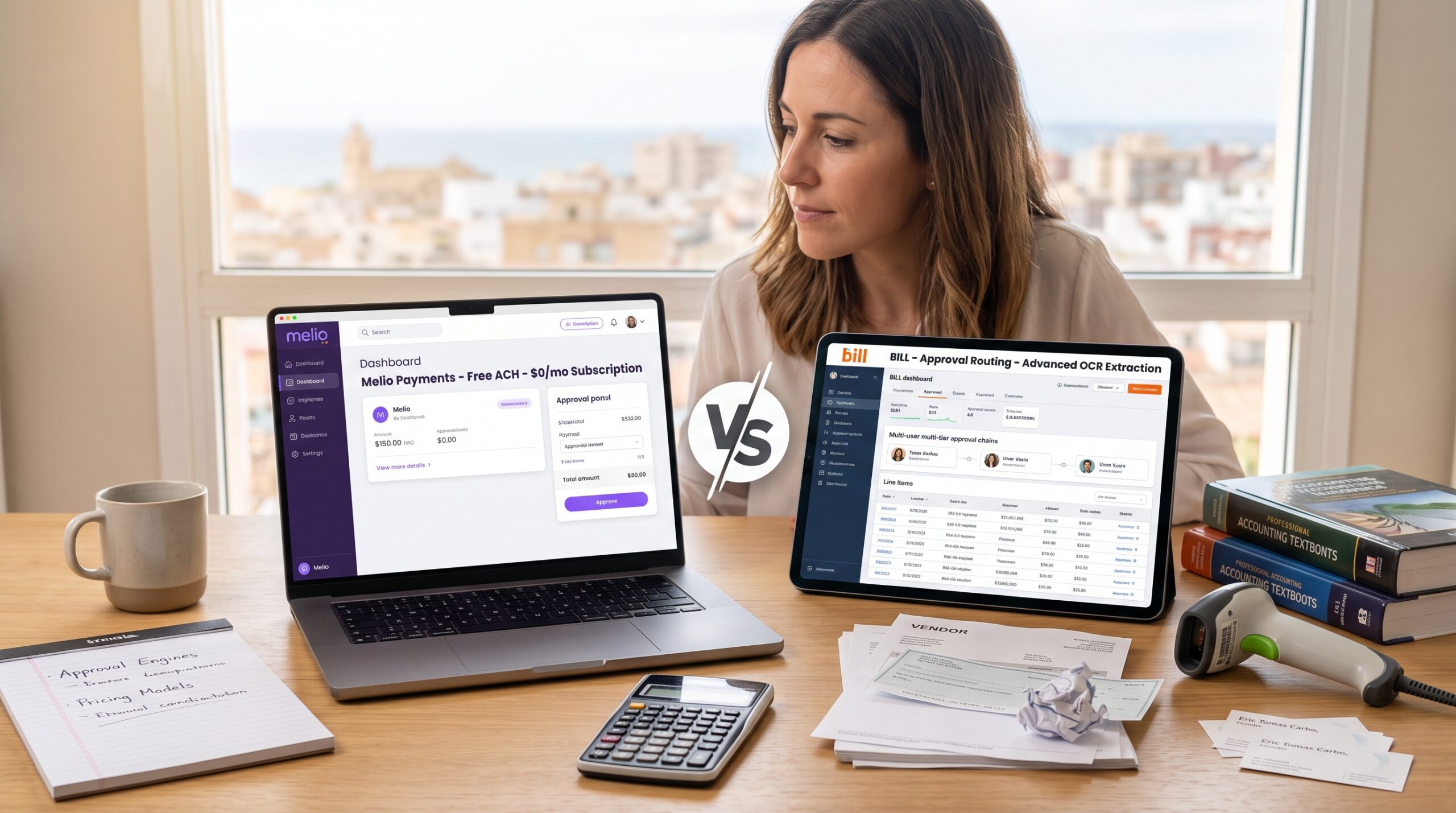
Managing outgoing vendor payments and supplier invoices is one of the quickest ways to drain administrative time. When you are processing dozens of contractor bills, supplier orders, and utility invoices every month, handling them through manual bank transfers or paper checks introduces errors, late fees, and reconciliation headaches.
In the automated Accounts Payable (AP) software space, BILL (formerly Bill.com) and Melio are the two market leaders.
While both platforms digitize paper bills, automate approvals, and sync payments with your general ledger, they target entirely different budget levels and business sizes. Let’s compare their pricing structures, approval engines, payment delivery speeds, and accounting workflows.
(If you only need a deep dive into zero-cost payment setups, read our dedicated Melio Review first).
Quick Comparison: BILL vs Melio
| Feature / Metric | Melio Payments | BILL (formerly Bill.com) |
| Monthly Subscription | $0 / month (No base fee) | ~$45 to $79 / user per month |
| Standard ACH Payments | Free ($0) | $0.49 to $0.69 per transaction |
| Credit Card Payments (for float) | 2.9% transaction fee | 2.9% transaction fee |
| Paper Check Delivery | $1.50 per check mailed | $1.69 to $2.10 per check mailed |
| Two-Way Accounting Sync | QuickBooks Online & Xero | QBO, Xero, NetSuite, Sage Intacct, QuickBooks Desktop |
| Document / Invoice Capture | Basic automated AI extraction | Advanced multi-page OCR & line-item coding |
| Approval Routing | Single-tier thresholds (e.g., rules over $1,000) | Multi-tiered, multi-department approval chains |
| Best For | Small businesses & bootstrap agencies (1–15 staff) | Mid-market companies & complex finance teams |
The Real Cost: Free Pay-As-You-Go vs Monthly User Seats
The most striking difference between these two platforms is how they structure their baseline software costs:
- Melio uses a pure pay-as-you-go model: There is no monthly software subscription. You can invite your bookkeeper, assistant, and business partner without paying for user seats. Standard ACH bank transfers are completely free. You only pay fees if you mail paper checks ($1.50) or choose to fund vendor bills using a credit card (2.9%).
- BILL charges a per-user, per-month subscription: BILL requires a dedicated monthly subscription for every user who needs to approve or schedule payments (starting around $45/user/month on the Essentials tier and $79/user/month for team collaboration features). On top of the subscription, BILL charges small per-transaction processing fees even for standard electronic bank transfers.
Practical Cost Scenario:
For a growing business processing 40 vendor bills a month with 2 active users (an office manager submitting bills and an owner approving them):
- Melio: $0 subscription + (40 ACH payments × $0) = $0 / month
- BILL (Team Plan): (2 users × $79) + (40 ACH payments × $0.49) = $158 + $19.60 = $177.60 / month ($2,131 / year)
For small teams that just want to eliminate manual check writing, Melio saves more than $2,000 annually in pure software overhead.
1. Invoice Capture and Data Extraction (OCR)
Both tools use smart optical character recognition to read uploaded vendor PDF invoices:
- Melio: Automatically extracts the vendor name, invoice date, due date, total amount, and invoice number. For standard service bills and contractor invoices, it populates the required fields in seconds. However, it does not support complex multi-line split coding across different cost centers.
- BILL: Industry-leading AI data capture. It handles complex, multi-page commercial invoices with dozens of line items, automatically coding line items to different expense accounts, projects, or classes in your chart of accounts.
2. Approval Workflows & Internal Controls
As companies scale, ensuring no single employee can initiate and release payments without executive oversight becomes essential for fraud prevention:
- Melio: Supports threshold-based authorization rules. For example, any bill under $500 can be scheduled directly by an office assistant, while any bill over $500 triggers an email notification requiring the business owner’s digital sign-off.
- BILL: Built for complex corporate governance. You can establish multi-step approval workflows across multiple department heads (e.g., Marketing Director approves -> VP of Operations approves -> CFO releases payment), with full audit trails tracking every change made to a vendor’s bank details.
3. General Ledger Integration & Enterprise ERPs
Keeping your Accounts Payable synchronized with your main books prevents month-end reconciliation nightmares:
- Melio: Integrates smoothly with QuickBooks Online and Xero. When a bill is scheduled or paid, your general ledger is updated in real-time. (For a closer look at how these core ledgers compare, see our Xero vs QuickBooks Online analysis).
- BILL: Connects to standard ledgers as well as enterprise ERP platforms such as Oracle NetSuite, Sage Intacct, and legacy QuickBooks Desktop setups, making it the preferred choice for venture-backed startups and multi-entity corporations.
4. Handling Employee Expenses & International Vendors
- If your business needs to manage employee credit card purchases, travel stipends, and mileage reimbursements alongside vendor bills, consider pairing your setup with tools from our Expensify vs Zoho Expense review.
- If you also manage domestic payroll and contractor tax filings (such as Form 1099-NEC), explore our Gusto Payroll Review for Small Teams to see how payroll systems coordinate with accounts payable.
Final Verdict: Which Platform Should You Choose?
- Choose Melio if you are a small business, service agency, or boutique retailer looking to automate bill payments, eliminate paper checks, and pay suppliers with a credit card at zero fixed monthly cost.
- Choose BILL if your company has 20+ employees, requires multi-tiered approval chains across multiple department managers, handles complex multi-line item vendor bills, or runs on enterprise ERP systems like NetSuite.
Related Reviews & Comparisons
- Melio Review: Deep dive into zero-fee vendor payment workflows.
- QuickBooks Online Simple Start vs Essentials: Understanding Accounts Payable tracking in QuickBooks.
- Xero vs QuickBooks Online: Comparing the two leading cloud accounting systems.
- 5 Best Free Invoicing Software for Freelancers: Zero-cost tools for collecting client payments.