
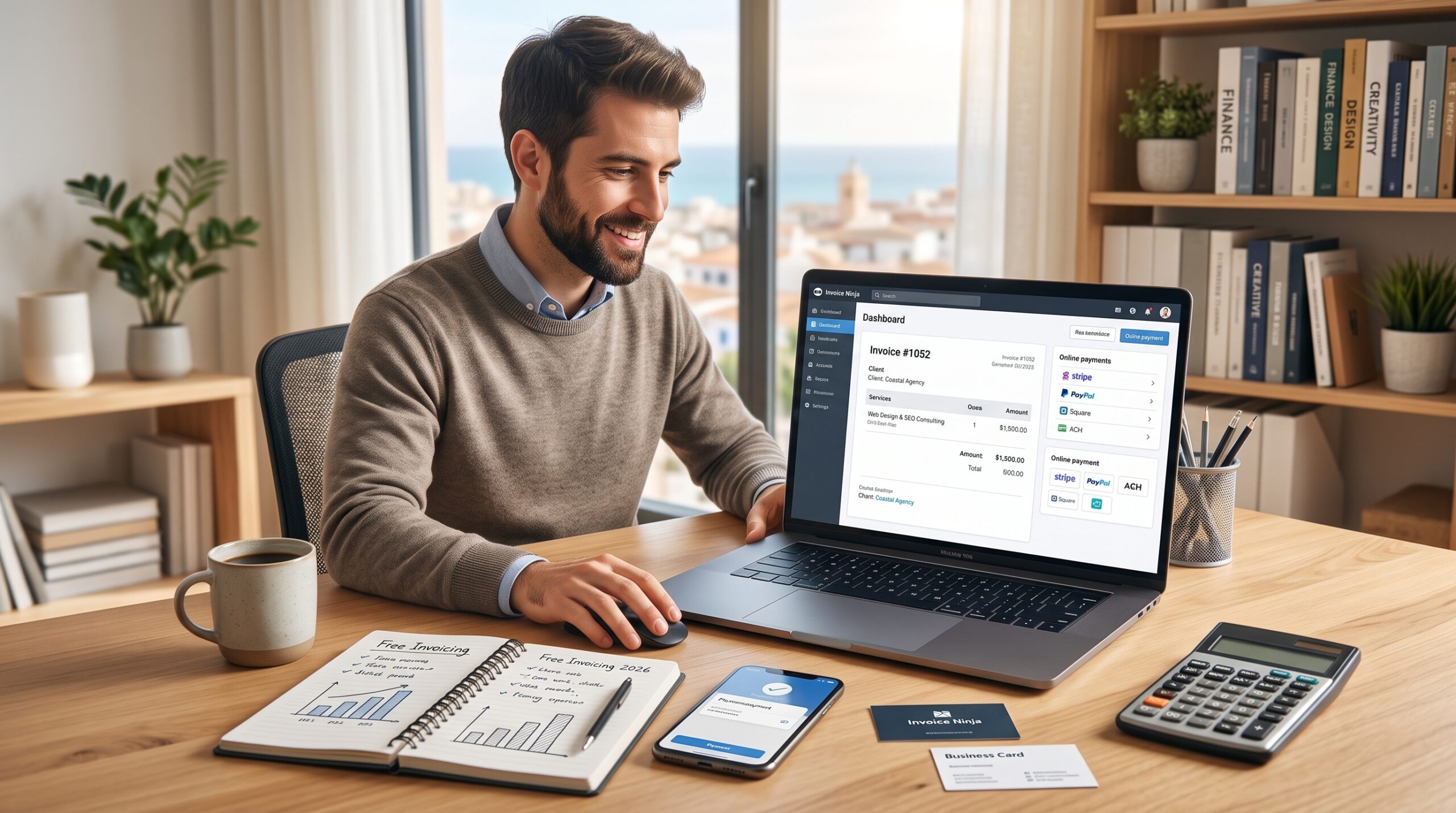
Paying $30 to $60 every month for full-scale accounting software makes little sense when you are a solo freelancer who simply needs to bill five clients and get paid on time.
Many small business owners get trapped paying recurring subscriptions for complex general ledgers with inventory and payroll modules they never touch. When your primary administrative goal is turning completed client work into cash without friction, a dedicated free invoicing tool is often faster, cleaner, and significantly cheaper.
Here is an analysis of the top free invoicing software tools available in 2026, comparing their transaction fees, client limitations, and feature sets.
(If your business is expanding beyond solo freelancing and requires double-entry accounting or inventory tracking, evaluate our comparison of Wave vs Zoho Books or our guide on FreshBooks vs Zoho Books instead).
Quick Comparison: Top Free Invoicing Software
| Software | Monthly Subscription | Client / Invoice Limits | Online Payment Fee (Cards) | Best Standout Feature |
| Zoho Invoice | Free ($0 forever) | Unlimited clients & invoices | Depends on gateway (Stripe/PayPal) | Full time tracking & client self-service portal |
| Wave Invoicing | Free ($0 core) | Unlimited clients & invoices | 2.9% + $0.60 per transaction | Built-in basic accounting ledger & bank feeds |
| Square Invoices | Free ($0 standard tier) | Unlimited clients & invoices | 3.3% + $0.30 (or 2.9% via Square POS) | Built-in contract attachments & signature collection |
| Invoice Ninja | Free (Community/Free tier) | Up to 20 clients (unlimited invoices) | Depends on connected gateway | Open-source foundation & custom domain routing |
| PayPal Invoicing | Free ($0 fixed cost) | Unlimited clients & invoices | 2.99% + $0.49 per transaction | Instant brand recognition for international clients |
1. Zoho Invoice: The Most Feature-Complete Free Tool
Unlike platforms that offer a stripped-down free plan to upsell you on premium tiers, Zoho Invoice is 100% free with no monthly subscription caps. Zoho funds this tool as an onboarding gateway into their broader enterprise ecosystem.
- Key Strengths: It includes built-in project time tracking, estimate-to-invoice conversions, multi-currency support, and recurring payment schedules. It also provides a client portal where your customers can review project estimates, view past receipts, and pay outstanding balances directly.
- Payment Gateways: You can connect your existing Stripe, PayPal, or Square merchant accounts directly, meaning Zoho does not add an extra middleman surcharge on top of standard payment processing rates.
- Best For: Freelancers and consultants who want time-tracking and automated payment reminders without spending a single dollar each month.
2. Wave Invoicing: Invoicing Backed by a Free General Ledger
While Zoho Invoice is purely for billing, Wave includes a complete double-entry bookkeeping ledger attached to its free invoicing module.
- Key Strengths: Whenever a client pays an invoice through Wave, the funds are automatically marked as income and reconciled with your linked bank account. You can send customized invoices with recurring billing schedules and automatic late-payment reminders.
- Payment Processing: Wave charges standard credit card processing fees (2.9% + $0.60 per card transaction). There is no subscription fee to generate or email invoices.
- Best For: Solo entrepreneurs who want their invoicing and annual tax preparation reports inside a single dashboard. (Read our full breakdown of Wave vs Zoho Books for a deeper look at its ledger capabilities).
3. Square Invoices: Best for Contracts and In-Person Hybrid Work
If you split your time between digital freelance work and on-site client meetings (such as commercial photography, event production, or trade consulting), Square Invoices connects desktop billing with physical mobile point-of-sale hardware.
- Key Strengths: Square allows you to attach digital contracts and require signed client agreements before an invoice is paid. It also handles scheduled milestone payments (e.g., a 50% deposit upfront and 50% upon project delivery).
- Payment Processing: Processing card-on-file payments through digital invoices runs roughly 3.3% + $0.30 per transaction, making it slightly more expensive per swipe than direct ACH transfers.
- Best For: Creative freelancers and service providers who require digital signatures, deposit milestones, or flexible in-person card payments.
4. Invoice Ninja: Best for Privacy and Developer Freelancers
Invoice Ninja is a favorite among web developers, programmers, and privacy-conscious service providers.
- Key Strengths: The free cloud tier allows you to bill up to 20 clients with fully customizable invoice designs. For technical freelancers, Invoice Ninja offers a self-hosted open-source version that gives you total ownership of your financial data on your own server.
- Payment Gateways: Supports direct integrations with more than 40 payment gateways worldwide, allowing you to route payments through whichever provider offers the lowest rates in your jurisdiction.
- Best For: Technical freelancers who want deep customization or prefer hosting their own billing software.
5. PayPal Invoicing: The Universal Default for International Clients
For freelancers working with overseas clients who hesitate to enter credit card numbers into unfamiliar third-party portals, PayPal Invoicing offers immediate brand recognition.
- Key Strengths: Setting up an invoice takes under two minutes, and clients can settle their balance using a PayPal account, a credit card, or local debit options across more than 200 countries.
- Payment Processing: Transaction fees for domestic transactions run 2.99% + $0.49, with additional percentage markups applied to cross-border currency conversions.
- Best For: Freelancers dealing with one-off international clients where payment trust and frictionless checkout speed outweigh advanced customization needs.
Managing Outgoing Vendor Bills and Team Growth
As your freelance business expands, collecting payments from clients is only half of the equation:
- If you need to pay subcontractors or suppliers without transaction markups, explore our Melio Review to see how free B2B payment platforms eliminate paper check costs.
- If you begin hiring full-time team members or regular contractors, see our Gusto Payroll Review for Small Teams to manage automated payroll and tax filings.
- When your transaction volume demands enterprise-level reporting, review our Xero vs QuickBooks Online comparison.
Final Recommendation
- Choose Zoho Invoice if you want the highest level of free automation, project time tracking, and professional client portals.
- Choose Wave if you want your invoicing tied directly to an automated, tax-ready income and expense ledger.
- Choose Square Invoices if you need signed digital contracts and milestone payment schedules before starting work.