
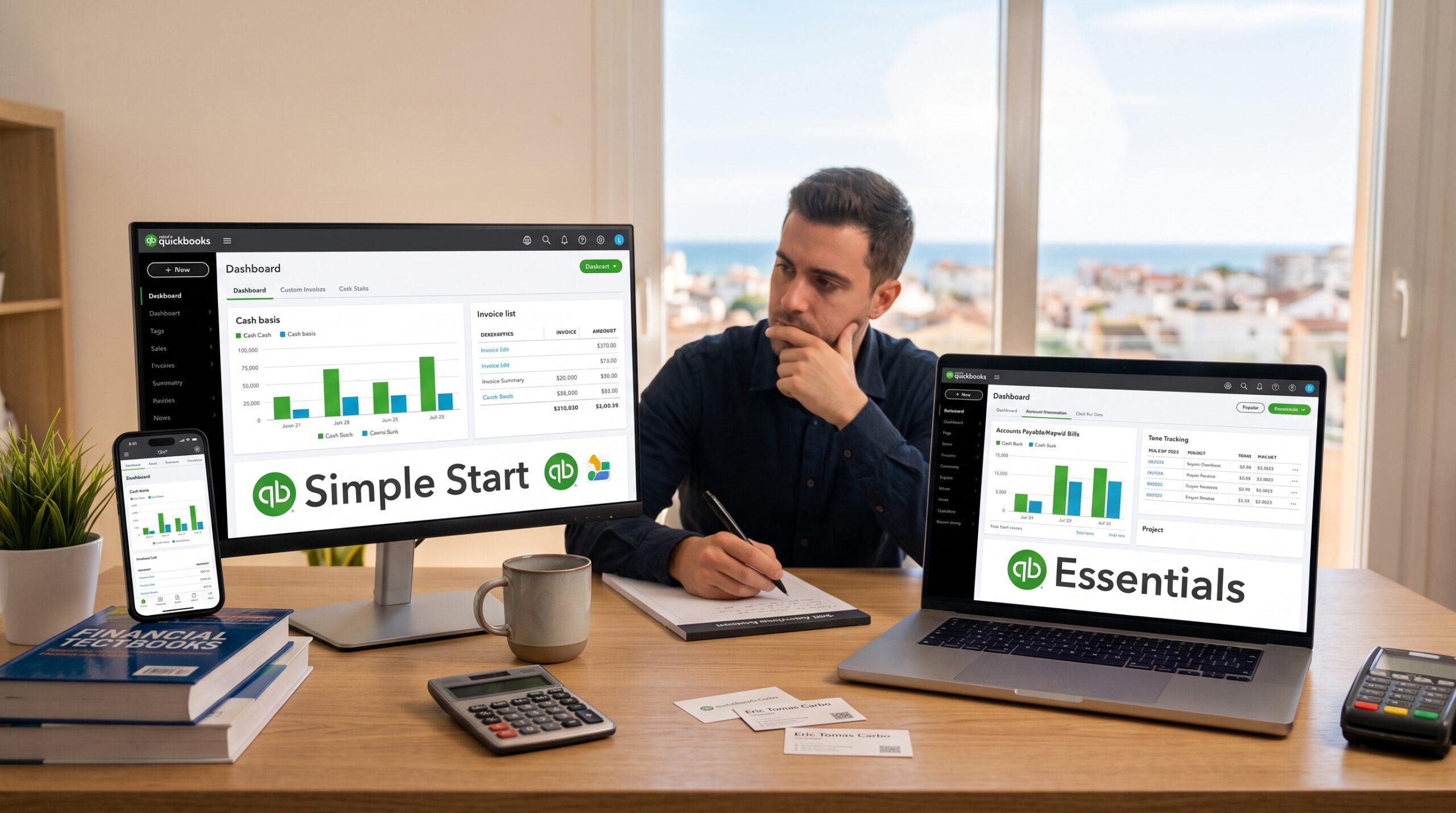
When you decide to run your business on Intuit’s ecosystem, the very first roadblock you hit is their pricing page. Intuit places Simple Start and Essentials right next to each other, with a price gap of roughly $30 per month ($360 per year).
For a solo consultant or an early-stage service business, $30 a month can feel like an unnecessary expense if you are only looking for a clean ledger and tax-ready reports. However, staying on Simple Start for too long often forces business owners into awkward spreadsheets just to track unpaid vendor bills or team hours.
Let’s analyze what that $30 price jump actually gets you, where Simple Start falls short, and when upgrading makes clear financial sense.
(If you are considering platforms outside of Intuit altogether, make sure to read our breakdown of Xero vs QuickBooks Online or our review of low-cost tools like Wave vs Zoho Books.)
Quick Comparison: Simple Start vs Essentials
| Feature / Metric | Simple Start | Essentials |
| Standard Monthly Price | ~$30 / month | ~$60 / month |
| User Seats Included | 1 User (+ 2 Accountant seats) | 3 Users (+ 2 Accountant seats) |
| Income & Expense Tracking | Yes | Yes |
| Invoice & Estimate Creation | Unlimited | Unlimited |
| Manage & Pay Vendor Bills | No (Cash-basis expense logging only) | Full Accounts Payable (A/P) tracking |
| Billable Time Tracking | No | Yes (assign hours to specific clients) |
| Multi-Currency Support | No | Yes (over 145 currencies) |
| Recurring Invoices & Workflows | Basic manual scheduling | Automated recurring transactions |
The 3 Big Features That Separate Simple Start and Essentials
While both tiers share the same core bookkeeping engine, three specific features determine whether you need to upgrade:
1. Managing Unpaid Bills (Accounts Payable)
On Simple Start, you can only record money after it leaves your bank account. You cannot enter a vendor bill with a future due date (such as Net 30 terms) and track how much money you owe across different suppliers.
On Essentials, you get true Accounts Payable functionality. You can enter bills as they arrive, schedule future payments, track payment terms, and view an “Unpaid Bills” report. If you regularly purchase materials or work with subcontractors on credit, this single feature is required to prevent missed payment deadlines.
2. User Seats and Permissions
- Simple Start is strictly for 1 single user. You cannot create a separate login for an office assistant or a business partner without sharing your primary admin password.
- Essentials includes 3 separate user seats. You can assign specific access permissions (for example, allowing a team member to create invoices without seeing your bank account balances or company profit margins).
3. Tracking Billable Time
If you run an agency, a consulting practice, or any service business where you bill clients by the hour:
- On Simple Start, you have to track hours in a separate tool or spreadsheet and manually type the total into each invoice.
- On Essentials, you can log hours directly inside QuickBooks (or use the mobile app) and pull those billable hours straight into client invoices with one click.
The Cost Decision: Does the Upgrade Pay for Itself?
Upgrading to Essentials adds $360 per year to your fixed operating overhead.
Here is how to evaluate whether that extra spend makes financial sense:
- Scenario 1 (Solo Freelancer): You work alone, you don’t bill by the hour, and you pay for all business expenses instantly with a debit or credit card. In this case, Simple Start covers 100% of your needs and saves you $360 every year.
- Scenario 2 (Growing Service Agency): You work with 2 subcontractors and bill clients based on tracked project hours. If manually compiling hours and tracking unpaid subcontractor bills takes you 1 hour each week, you are spending roughly 4 hours a month on bookkeeping admin. At a billing rate of $50/hour, that manual friction costs you $200 a month in lost productive time. Paying $30 for Essentials produces an immediate net positive return.
What About Payroll and Contractor Filings?
Neither Simple Start nor Essentials includes automated payroll processing in the base price. If your business is growing to the point where you need to run payroll or file annual contractor tax forms, check out our in-depth Gusto Payroll Review for Small Teams to see how dedicated payroll tools integrate with QuickBooks.
Final Verdict
- Stay on Simple Start if you are a solo operator, sell basic digital products or fixed-price services, and pay all vendor expenses immediately without needing credit terms or multi-user logins.
- Upgrade to Essentials the moment you need more than 1 person accessing your books, work with international clients in foreign currencies, or need to schedule and track unpaid supplier invoices.
Related Reviews & Comparisons
- Xero vs QuickBooks Online: Comparing usability and pricing across both platforms.
- Wave vs Zoho Books: Low-cost bookkeeping alternatives for bootstrapping.
- Gusto Payroll Review: The easiest way to handle payroll and 1099 compliance.
- Best Free Invoicing Software for Freelancers: Essential billing tools with zero monthly fees.