
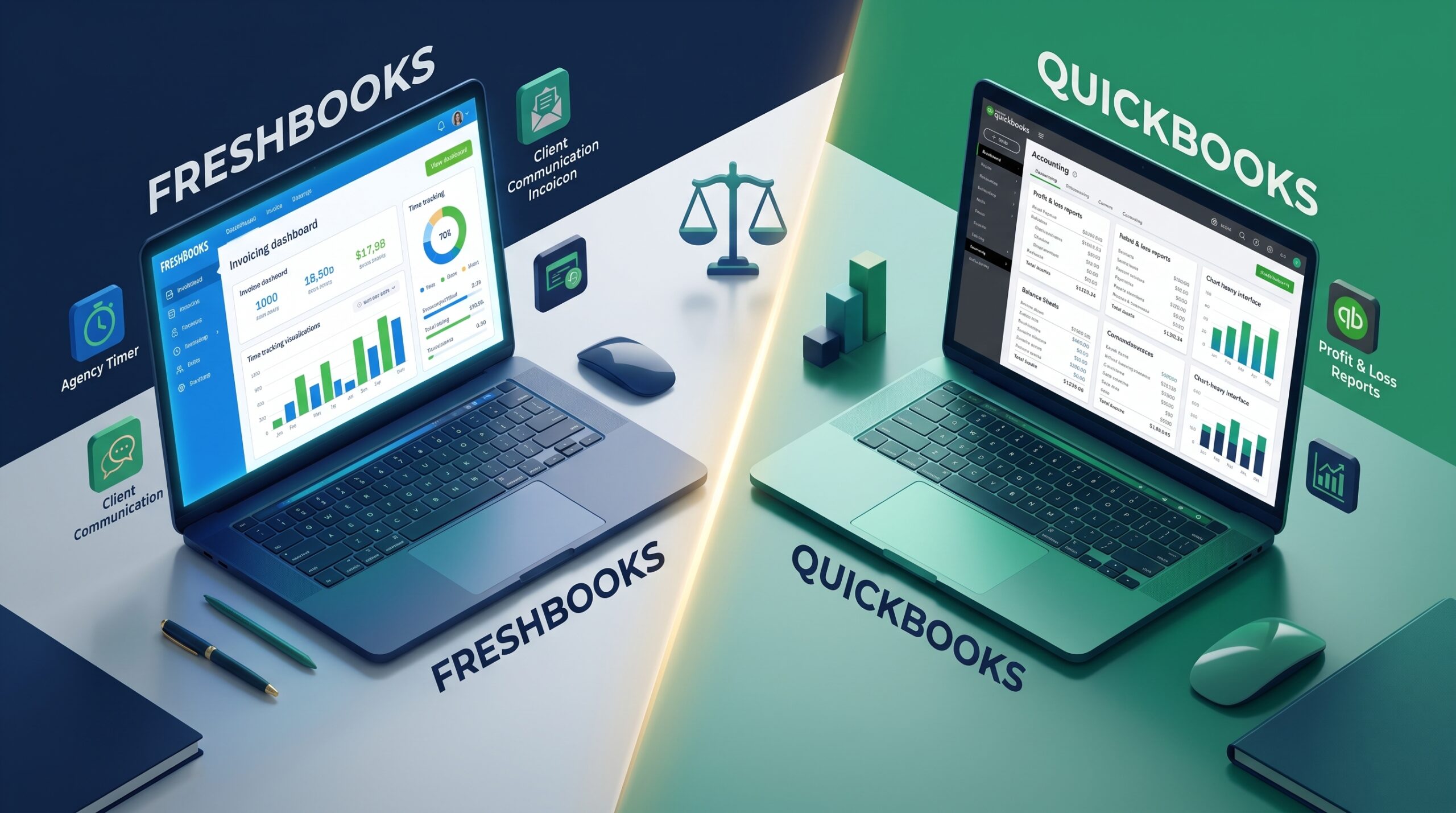
FreshBooks vs QuickBooks: Which Software Is Right for Your Business?
FreshBooks and QuickBooks are arguably the two biggest names in accounting software right now. But here’s the thing: they aren’t actually built for the same people.
FreshBooks was designed from the ground up to help freelancers, service providers, and agencies manage clients and send out invoices. QuickBooks, on the other hand, is a hardcore, double-entry accounting powerhouse built for product sellers, growing teams, and anyone dealing with complex taxes.
If your business requires advanced ledger management, compare other enterprise options in our QuickBooks Online vs Xero review.
Let’s break down exactly how they handle invoicing, expense tracking, and pricing so you can figure out which one actually fits your workflow.
At a Glance: Key Differences
| Feature | FreshBooks | QuickBooks Online |
| Primary Focus | Invoicing, time tracking & client relations | Heavy-duty double-entry accounting & inventory |
| Best User Type | Consultants, freelancers, service-based agencies | E-commerce, retail, product sellers, growing teams |
| Ease of Use | Highly visual, simple, and totally non-technical | Steeper learning curve; built for real accountants |
| Time Tracking | Built directly into almost all plans | Requires paid add-ons or a higher-tier subscription |
| Inventory Tracking | Very basic (manual entry) | Advanced, automated stock management |
Detailed Comparison
1. Invoicing & Billing
- FreshBooks: If FreshBooks has a superpower, it’s definitely invoicing. You can turn a rough estimate into a polished invoice in seconds. It lets you set up automatic payment reminders, slap on late fees, and let clients pay by credit card right from the document. Plus, clients can actually leave comments directly on the invoice via the portal.
If you are just starting out with zero revenue, you might also consider Wave and other free platforms.
- QuickBooks: You still get solid invoicing tools that sync perfectly with your books. It’s clean and gets the job done, but the whole experience feels much more formal and a bit less focused on client relationships compared to FreshBooks.
2. Time Tracking & Project Management
- FreshBooks: Time tracking is baked right into the platform. Whether it’s just you or a whole team, you can log billable hours to specific clients or projects. When you’re ready to bill, pulling those hours onto an invoice takes exactly one click.
- QuickBooks: You can track time here too, but there’s a catch. The good stuff requires QuickBooks Time or a pricier subscription tier. If billing by the hour is your main gig, this can get expensive fast.
3. Bookkeeping & Double-Entry Accounting
- FreshBooks: It started as a simple billing tool but has grown up over the years. You now get decent double-entry features like balance sheets and trial balances. It does a great job tracking money coming in and going out, but it still lacks the deep, granular audit trails that professional CPAs obsess over.
- QuickBooks: This is the undisputed gold standard for double-entry bookkeeping. It tracks your assets, liabilities, equity, and payables down to the penny. If you hand your books over to an external accountant at tax time, they will almost certainly want you using QuickBooks.
Pros and Cons Summary
FreshBooks
Pros:
- Incredibly easy to create and tweak invoices.
- Fantastic built-in project and time tracking.
- Barely any learning curve if you’re not an accountant.
Cons:
- Your monthly plan dictates how many active clients you can bill (which can be annoying).
- A terrible choice if you need to track physical retail inventory.
QuickBooks
Pros:
- An absolute powerhouse for financial reporting and management.
- Every accountant and tax pro already knows exactly how to use it.
- Connects seamlessly with almost any third-party app (Stripe, Shopify, PayPal).
Cons:
- Can feel totally overwhelming if you’re just a solo freelancer trying to get paid.
- Be prepared for regular price hikes on your monthly subscription.
Verdict: Which One Should You Buy?
- Choose FreshBooks if: You run a service-based business (like web design, consulting, or writing), you bill by the hour, and you just want a headache-free way to send gorgeous invoices.
- Choose QuickBooks if: You sell physical products, need to track inventory, have employees, or want to make your accountant’s life incredibly easy at the end of the month.