
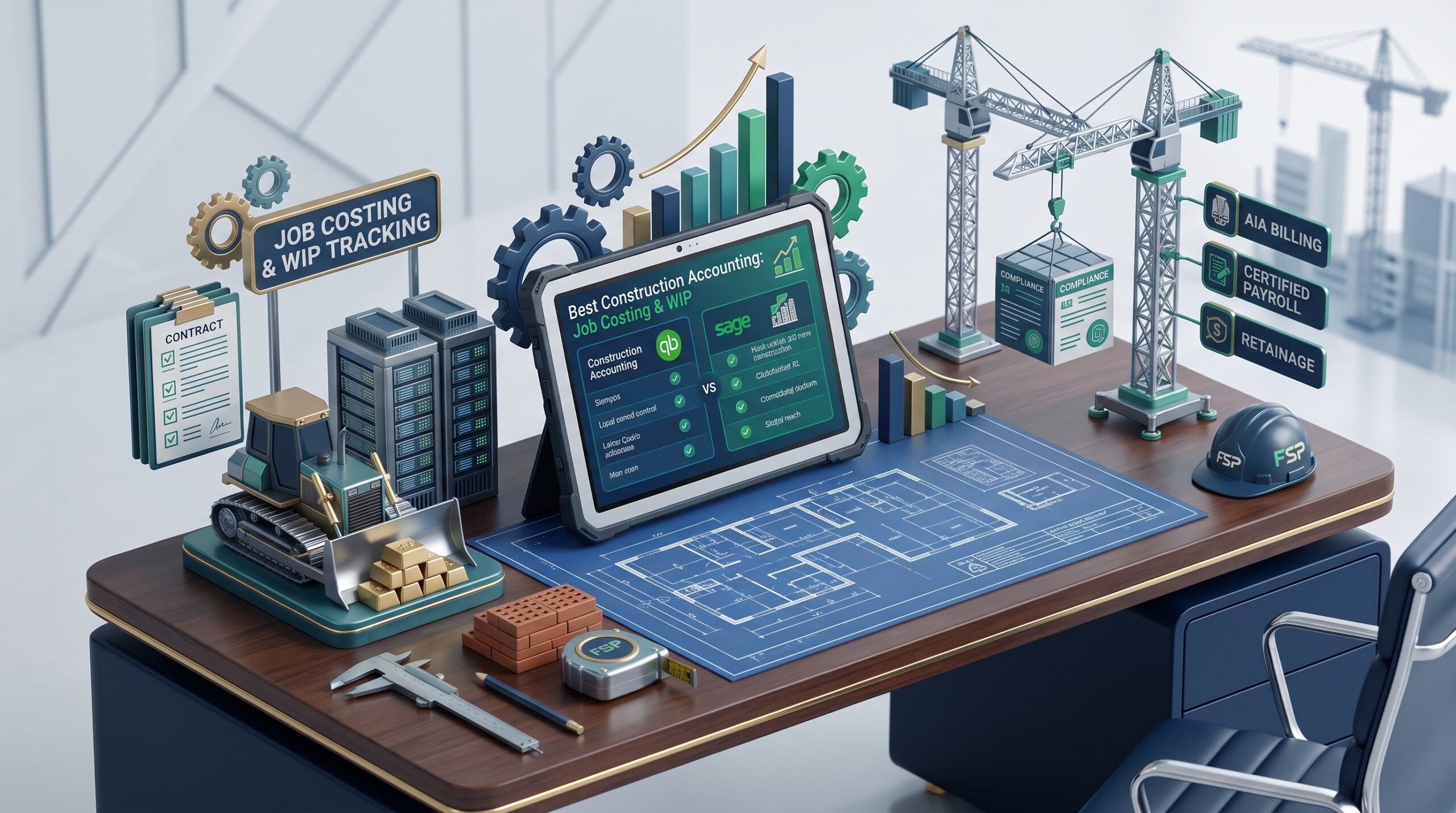
The Reality of Construction Accounting Software in 2026
If you run a construction business, you already know that standard, off-the-shelf accounting software is basically useless. You aren’t just sending simple invoices to clients. You’re dealing with hardcore job costing, tracking Work in Progress (WIP), fighting to collect your retainage, and trying to navigate AIA G702/G703 progress billing without losing your mind. Oh, and let’s not forget prevailing wage payroll if you do any public work.
Standard platforms break down the second you try to manage these workflows. After testing the market this year, here is a breakdown of the systems that actually work on a real job site, depending on what kind of dirt you move or wires you pull.
Quick Look: Who Should Use What
| Software | Best Fit For | The Killer Feature | Starting Cost |
| QuickBooks Desktop (Contractor) | Small to mid-size general builders | Deep job costing & change orders | ~$1,900 / year |
| Jobber + QBO | Trades in trucks (Plumbing, HVAC) | Dispatching and mobile payments | ~$49 / month + QBO |
| Buildertrend + Cloud Ledger | Custom home builders & remodelers | Client selections & daily logs | ~$399 / month |
| Foundation Software | Commercial & heavy civil sub-trades | AIA billing & union payroll | Custom Quote |
| FreshBooks | Solo handymen doing T&M work | Simple mobile estimating | ~$19 / month |
The Real-World Breakdown
QuickBooks Desktop (Contractor Edition): The Old Reliable
Let’s be honest, cloud software is great, but if you are doing $1M to $10M in volume as a residential general contractor, QuickBooks Desktop (either Premier or Enterprise) is still the industry standard.
It actually understands construction out of the box. You can set up itemized lists that match your exact CSI cost codes. The reports are exactly what you need to survive: Estimates vs. Actuals, Committed Costs, and Unbilled Costs. The massive downside? It belongs on a desk. Your guys in the field can’t easily pull up a phone to log a change order or a daily log without duct-taping a third-party app to it.
Jobber (Synced with QuickBooks Online): For the Field Guys
If you run an HVAC fleet, an electrical company, or a landscaping crew, you don’t need a heavy construction ERP. You need something for the guys in the trucks.
Jobber is perfect for this. It handles the dispatching, the GPS routing, and letting the client pay with a card right in their driveway. The crew tracks their time on their phones, and Jobber automatically dumps all that financial data into QuickBooks Online for your bookkeeper. It’s built for speed, not for tracking a 12-month commercial build.
Buildertrend + Xero/QBO: The Homeowner Pacifier
Custom home building and major remodeling are a different beast because you have to manage the homeowner’s emotions. Buildertrend bridges the messy gap between the superintendent, the subs, and the client.
It handles scheduling and makes clients digitally sign off on change orders before the work starts (which saves your profit margins). The financial bills and invoices then push straight into QBO or Xero. It is not cheap, and your project managers actually have to use it every day for the data to mean anything, but it stops cost overruns in their tracks.
Foundation Software: The Commercial Heavyweight
Commercial work is a totally different game. If you are dealing with government contracts or union labor, generic tools will get you audited. Foundation is built specifically for commercial trade contractors.
It handles the nightmare stuff: automated retainage calculations (holding that 5% or 10% back until substantial completion), AIA billing, and Davis-Bacon Act certified payroll with multi-rate union tables. I’m not going to lie, the interface looks incredibly outdated and the learning curve is steep, but it handles the compliance heavy lifting that no one else can.
Three Things You Can’t Ignore
Before you swipe a credit card for any of these, make sure the software handles three things:
- Retainage: It needs to be able to hold back a percentage of an invoice without totally screwing up your aging reports.
- Committed Costs: Looking at paid bills is looking at the past. You need to see the purchase orders you’ve signed to know your true job margin before it’s too late.
- Payroll Compliance: If you touch public money, you need automated certified payroll. Period.
The Bottom Line: Don’t overthink it. Go with QuickBooks Desktop for classic job costing, Jobber if you run a fleet of service trucks, and Foundation if you’re drowning in commercial compliance.